1 Download and add your GIB account
Then turn on MCP.
Angaria connects GIB e-Arşiv to your AI assistant over MCP. The invoice is still issued at GIB (the Turkish Revenue Administration), with your own account, and the Mac app lets you issue it yourself too.GIB e-Arşiv in your assistant, over MCP
Then turn on MCP.
Claude, Codex, Cursor and over 20 more
It works without an assistant too. Issue last month's invoice again and approve it with the SMS code. The invoice is still issued at GIB, with your own account.
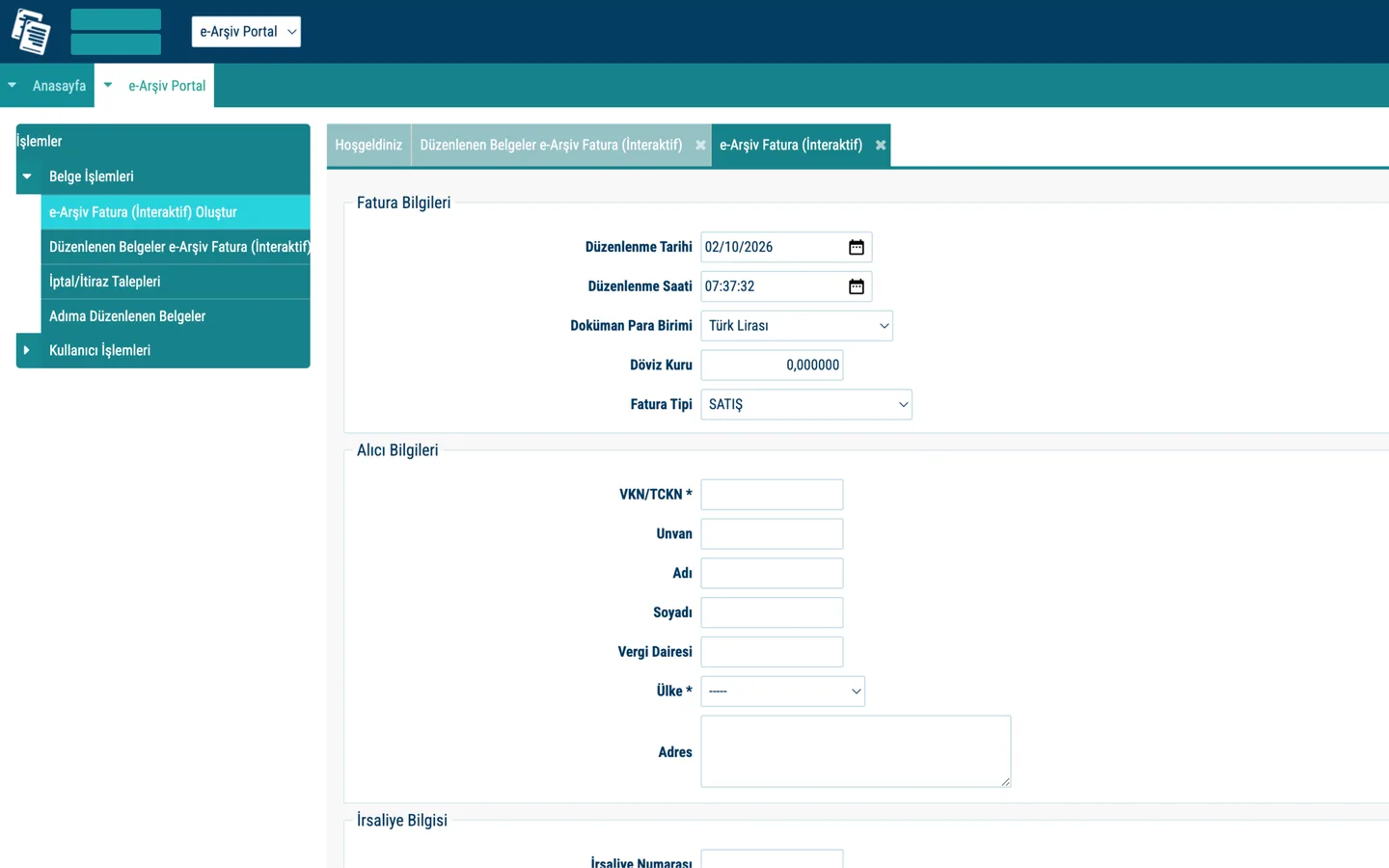
Drag the line. On the left, GIB's e-Arşiv portal. On the right, a new invoice in Angaria.
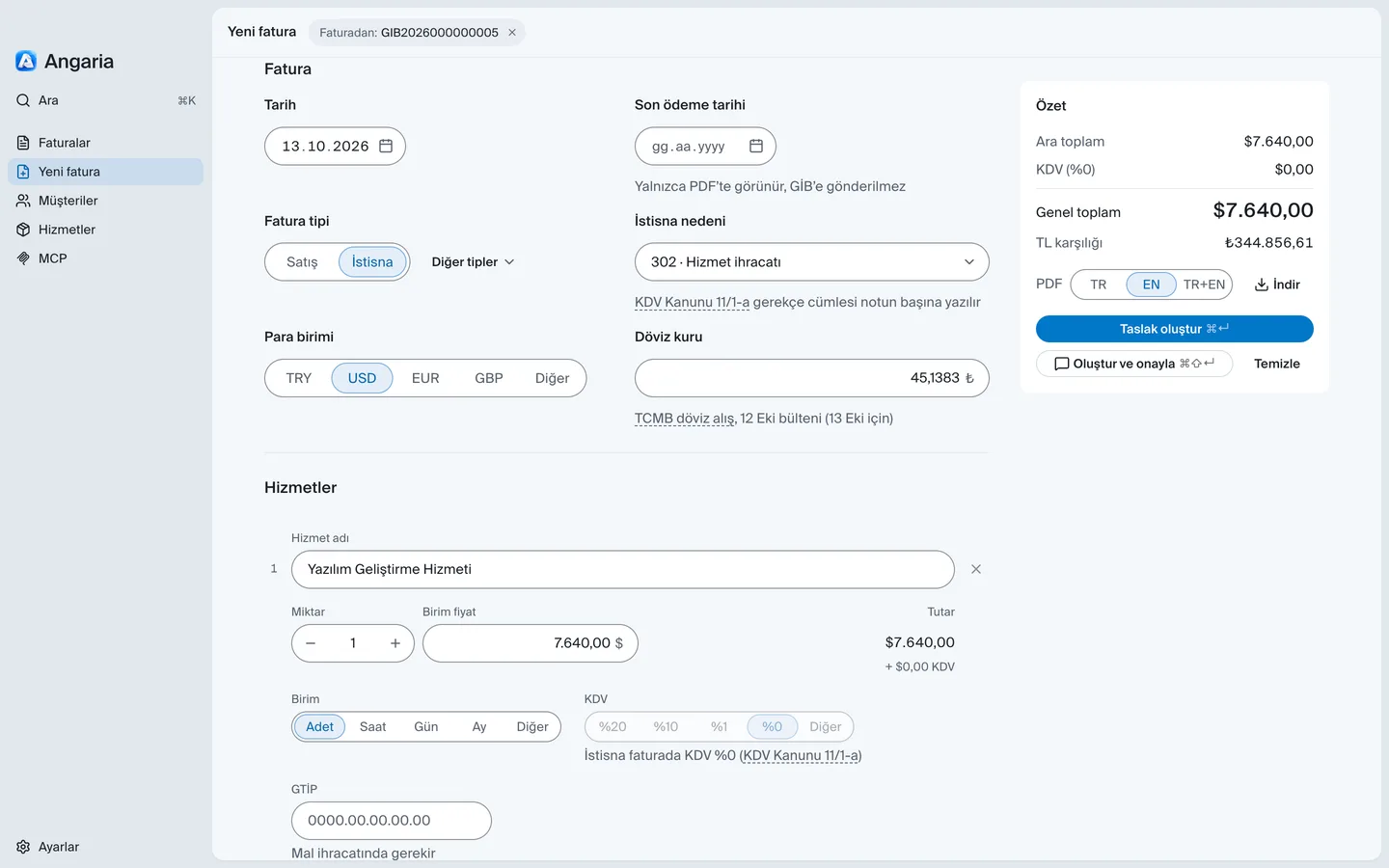
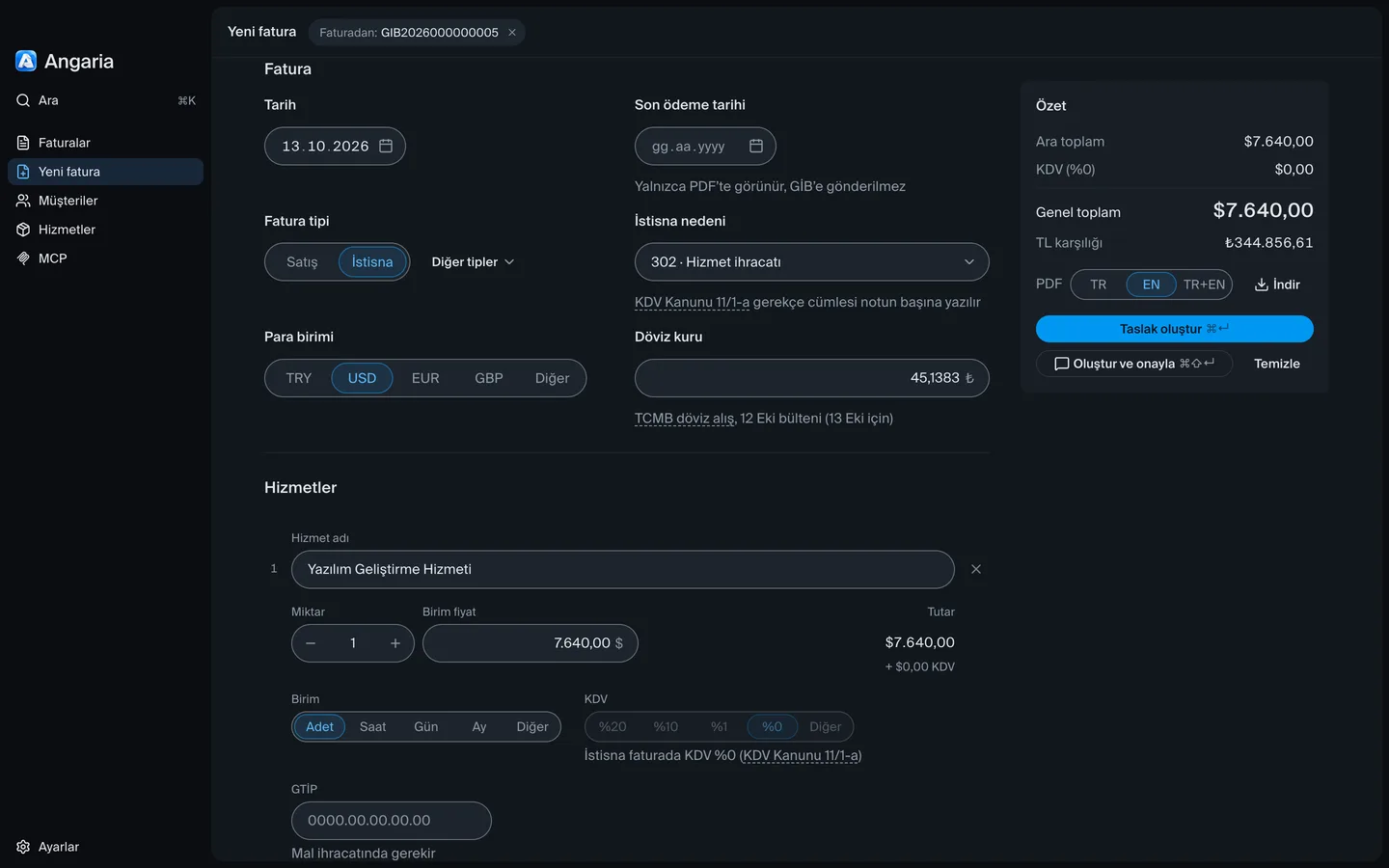
The invoice type turns to İstisna (exempt) and the rate comes from TCMB. Your client gets an English PDF with your IBAN.
If the date is more than 7 days old, it cites VUK 231/5; if KDV is wrong on an İstisna invoice, KDV Kanunu 11/1-a. Click the article to read the official text.
Up to 5 companies. Each one keeps its own GIB account and PDF details.
No servers. No tracking. No analytics.
Your Mac connects to GIB directly, and your invoices never pass through us. Your clients, services and settings stay only on your Mac. Your GIB password and license key are stored in the macOS Keychain, never as plain text in files.
The app connects only to these addresses on the internet:
No kontör credits. No accounting software subscription.
per year 2,499 TL + KDV
About 208 TL + KDV a month, 30% less than the monthly plan
per month 299 TL + KDV
Download Angaria and use everything free for 7 days, MCP included. Then buy a license key here to keep going. Payment is handled by Polar.
The portal makes you fill in every invoice from scratch. Angaria remembers your clients, brings back last month's invoice dated today, and you approve it by SMS in one step.
MCP apps on your Mac: Claude Desktop, Claude Code, Codex, Cursor, Gemini CLI, Copilot (VS Code, CLI), Windsurf, Zed and more. ChatGPT, browser and phone assistants cannot connect.
Yes. Your GIB password stays on your Mac. Signing stays off until you turn on Ajanlar onaylayabilir ve silebilir (let agents sign) in Angaria › MCP, and needs your SMS code.
Installed with MCP on, during the 7-day trial or with a license. No window needed: it runs in the background and starts when your assistant calls.
Yes. Your GIB password stays only on this Mac, in the macOS Keychain. We have no servers; your Mac connects to GIB directly, so your password never passes through us.
For freelancers and sole proprietorships that issue a few e-Arşiv invoices a month. If you need e-Fatura, e-SMM, e-İhracat, stock tracking or accounting, it is not for you.
With your e-Arşiv portal user code and password, straight from your Mac. Not an integrator: it uses GIB's free portal with your account, and GIB sends the SMS code.
Yes. Angaria is free for 7 days from the first time you open it, MCP included. No card needed. After 7 days you enter a license key to keep going.
We do not give refunds. The one exception: if Angaria does not work for you and we cannot fix it, we refund you. Write to hi@angaria.app and we will try to fix it first.
Not yet. For now Angaria runs only on Mac. A Windows version is in our plans, and we will announce it on this page when it is ready.